Count bookings and calls before you advertise
Google bids toward the results you count, called conversions. For a vet clinic those are phone calls and appointment requests. If you count nothing, Google goes after cheap clicks, and for the word "vet" cheap clicks are students and job seekers.
- In Google Ads, open Goals, then Conversions, and create a conversion action.
- Add calls from ads and calls from your website, with a minimum call length so a wrong number is not counted.
- Add your appointment request form or online booking, counted when the request is sent. If you use a booking system from another company, ask them how to pass a completed booking to Google Ads.
- Set these as primary, meaning bidding uses them. Set page views and clicks on your address as secondary.
- Make a test call and a test booking. Check both appear in Google Ads within a day.
Then have the front desk keep a short list. For each ad lead, note the service, whether it was a new client, and whether the appointment was booked and kept. A caller asking the price of a nail trim and a new puppy owner booking a full vaccine course are both "one lead" to Google. Once the numbers are steady, you can upload the booked ones so bidding learns what a new client looks like.
Settings to fix in a vet clinic's account
- Search only. In campaign settings, open Networks and untick Search Partners and the Display Network. You want to appear on Google Search for "vet near me", not across other websites.
- Pet owners in your area. In Locations, add the cities or zip codes clients realistically drive from. In Location options, choose "Presence: people in or regularly in your included locations". The default also reaches people only interested in your area.
- Auto-apply off. In Recommendations, open Auto-apply and untick every box. Otherwise Google may add keywords such as "veterinary" on its own, and that single word brings students.
The ad schedule matters a great deal for a clinic. Routine services should run in the hours the front desk answers. Emergency ads should run only when a vet is on site. An owner with a sick animal who reaches a closed clinic has lost time, and you have paid for it.
One ad group for each service the clinic offers
An ad group is a set of keywords that share the same ads. Give each service an ad group and its own landing page.
| Ad group | Example searches | Landing page |
|---|---|---|
| Vaccinations | puppy vaccination near me, cat vaccines | Your vaccination page |
| Spay and neuter | dog neuter near me, cat spay clinic | Your spay and neuter page |
| Pet dental | dog teeth cleaning, pet dentist near me | Your dental page |
| Puppy and kitten checks | new puppy vet visit, kitten check up | Your new pet page |
| Emergency | emergency vet near me, emergency vet open now | Your emergency page |
| General | vet near me, veterinarian in your city | Your new clients page |
The mistake most clinics make is one ad group for everything, sent to the home page. An owner searching "cat spay" sees an ad about dog dental, and the page makes them hunt.
Put emergency in a separate campaign so it can have its own hours and its own budget. Leave out what you don't treat. If you don't see birds, reptiles or horses, don't build for them.
Keywords a pet owner types when they are ready to book
A keyword is your phrase. A search term is what the owner typed. Ready-to-book searches name the service or ask for a clinic nearby:
- vet near me
- veterinarian in your city
- puppy vaccination near me
- dog neuter near me
- dog teeth cleaning
- emergency vet open now
Avoid symptom questions as keywords, such as "why is my dog limping". They are common and cheap, and most of those owners are reading, not booking.
Match types, in plain terms:
- Exact match shows your ad for that search or one that means the same.
- Phrase match shows it when the search includes your phrase's meaning with words around it.
- Broad match shows it for anything Google thinks is related. For "vet" that reaches a long way. Leave it off.
Start with phrase and exact. Each week, find the search terms that led to booked appointments and add them as exact match keywords to the right ad group.
Searches a vet clinic should block from day one
A negative keyword keeps your ad off a search. Add these at the account level before you launch:
- Job seekers: jobs, salary, hiring, careers, vet tech jobs, assistant jobs.
- Students: school, degree, course, program, college, how to become.
- The other kind of vet: veteran, veterans, va, benefits, military.
- DIY and home care: how to, home remedy, diy, video.
- Shoppers: food, insurance, toys, crate, flea collar, pharmacy, online.
- Paperwork: dog license, registration.
- Other clinics' names: those owners already have a vet.
Use phrase match negatives trimmed to the core word. "Salary" blocks "vet tech salary" and "veterinarian salary" alike. Add the animals you don't treat, such as "horse", "bird" or "reptile". One caution: think before blocking "low cost" or "cheap". Decide whether those are clients you want, then act.
Then check search terms. Every day or two for two weeks, then weekly:
- Open the search terms report under Insights and reports.
- Sort by cost.
- Ask of each search: is this a pet owner near us who wants an appointment?
- If not, block the core word.
Writing ads for a veterinary clinic
A responsive search ad gives Google up to 15 headlines and 4 descriptions to mix. Fill in most of them.
- The service: "Puppy Vaccinations", "Dog and Cat Dental Care".
- The place: your city or neighborhood, or "Vet Near You".
- Why you: new clients welcome, same-week appointments, Saturday hours, a calm clinic for nervous pets. Say only what is true.
- The next step: "Book a visit online or call."
Write a separate ad for each ad group. The emergency ad should state your real hours, plainly. Don't promise outcomes for an animal's health in an ad, and check your own regulator's advertising rules before you publish.
Add the extras, which Google calls assets:
- Call asset: the clinic's number on the ad, tappable on a phone.
- Sitelinks: four or more, such as "Book a Visit", "Vaccinations", "Dental Care" and "Meet the Team".
- Callouts: short phrases like "New Clients Welcome" or "Open Saturdays".
- Location asset: your address under the ad, linked from your Google Business Profile, so owners can see how close you are.
A landing page for each service
One page per ad group. Check each:
- The headline matches the search. A "dog neuter" search lands on a spay and neuter page.
- The phone number is at the top and taps to call.
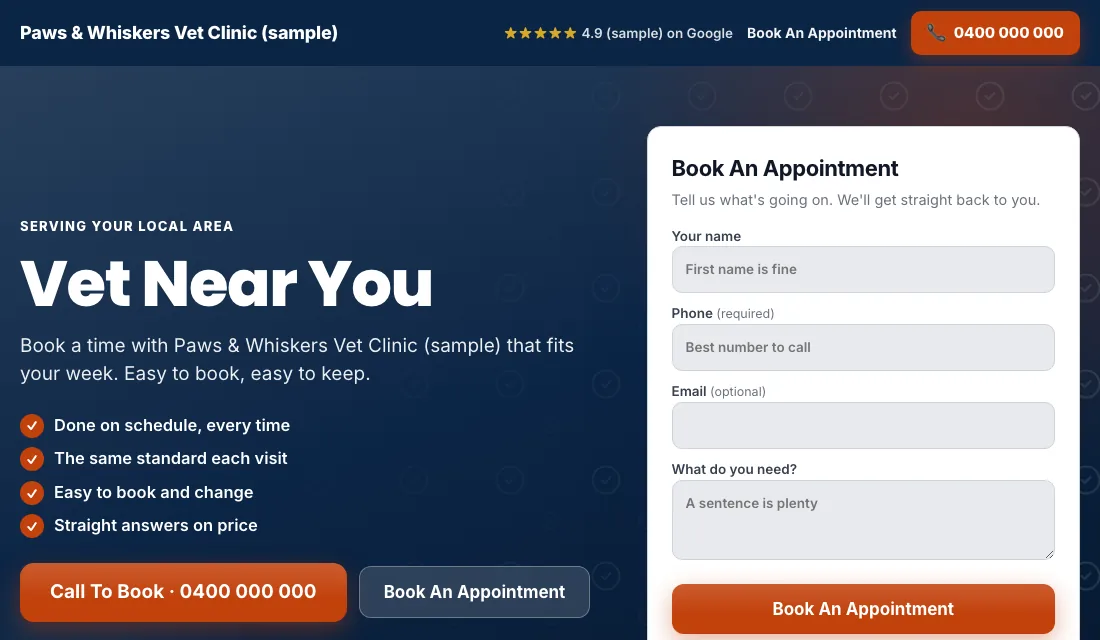
- A booking form or button is visible without scrolling: owner's name, phone, pet type, and what the visit is for.
- Real photos of your team, your rooms and patients, with the owners' permission.
- Reviews from clients near the top.
- Your hours and address, clearly. On the emergency page, hours come first.
- No menu and no links leading away.
- Fast on a phone.
Google scores the match between keyword, ad and page. A closer match earns a better score and a lower cost per click.
Budget and bidding for a vet clinic
Set the budget from your own numbers: new bookings wanted each month, times what you can pay for one. Fund it for a couple of months.
- Maximize Conversions from the start. With calls and bookings counted, let Google bid toward them. Give it two or three weeks.
- If a brand-new account won't spend. Switch to Maximize Clicks with a cap on the bid per click, and go back to Maximize Conversions once bookings start arriving.
- A target cost per lead. After about 30 conversions in 30 days, you can set Target CPA, a target cost per lead. Start 15 to 20 percent above what a lead has really cost. Too low a target makes Google stop spending. Lower it a little each month while bookings hold.
Don't bid manually, and don't change things on a single week's numbers.
How to run Google Ads for vets week to week
Weekly:
- Check search terms and block the junk.
- Add searches that became appointments as exact match keywords.
- Have the front desk mark each ad lead: booked, not booked or junk.
- Look at missed calls. A call that rings out at lunch is a lost client.
Monthly:
- Cost per lead and cost per booked appointment for each ad group.
- Pause an ad group that spends and doesn't book.
- Test the phone number and booking form.
- Confirm the ad schedule still matches your real hours, above all for emergencies and holidays.
Seasons and timing for vets
- Spring: puppies and kittens arrive, so vaccination and first-visit searches rise. Fleas and ticks return in many areas. Fund those ad groups ahead of time.
- Summer: heat, travel and boarding. Owners need vaccines up to date before boarding, and heat-related emergencies go up.
- Holidays: pets eat things they shouldn't, and fireworks bring anxious animals. If you are open, emergency ads earn their place. If you are closed, turn them off for those days.
- After the holidays: new pets from the season need first checks and spay or neuter bookings.
- Quieter weeks: a good time to promote dental cleanings, which owners put off.
Time of day matters too. Emergency searches peak in the evening, and routine bookings are made in the daytime and after dinner.
Or have software do it for the clinic
Those are the steps in how to run Google Ads for vets: count bookings, fix the three settings, give each service its own ad group and page, block students, job seekers and veterans' searches, and keep emergency ads to the hours you can see an animal. It is steady, repeatable work.
If the front desk has enough to do, Local Service Ads AI runs these checks every day, and nothing changes without your OK unless you tell it to go ahead. See Google Ads for vets.