Set up tracking before you pay for a click
Google's bidding works toward whatever you count as a result. A result is called a conversion. For a tiler it is a phone call or a quote form. Without it, Google sends you whoever costs least to reach, and in this trade that means people shopping for tiles.
- In Google Ads, open Goals, then Conversions, and create a conversion action.
- Add calls from your ads and calls from your website. Use a minimum call length so a quick wrong number is not counted.
- Add your quote form, counted when it is submitted.
- Mark calls and forms as primary. That tells bidding to use them. Mark anything else secondary.
- Make a test call and send a test form, then check they appear in Google Ads by the next day.
Keep your own lead list too. A notebook will do. For each lead, write the job type, whether you could quote it, whether you booked it and its value. A full bathroom and a cracked-tile repair both count as "one lead" in Google. When you have a steady flow, you can upload the quoted and booked leads so Google learns which clicks became real tiling jobs.
The settings that waste a tiler's budget
Change these three before anything else.
- Search only. In campaign settings, open Networks. Untick Search Partners and the Display Network. Your ad belongs on Google Search when someone types "tiler near me".
- People in the areas you work. In Locations, add the cities or zip codes you are willing to drive to. Under Location options, select "Presence: people in or regularly in your included locations". The default reaches people who only show interest in your area.
- Auto-apply off. Open Recommendations, find Auto-apply and untick every box. If you don't, Google can add keywords like "floor tiles", which bring shoppers.
Set an ad schedule for the hours you can answer or call back. If you are on your knees in a shower all day, run the ads when someone can pick up, or make the form the main way to reach you and return calls at lunch.
How to structure a tiling campaign
An ad group is a set of keywords that share the same ads. Each kind of tiling job gets one ad group and one landing page.
| Ad group | Example searches | Landing page |
|---|---|---|
| Bathroom tiling | bathroom tiler, shower tile installer | Your bathroom page |
| Floor tiling | floor tiler near me, tile floor installation | Your floor page |
| Kitchen backsplash | backsplash tiler, kitchen backsplash installation | Your backsplash page |
| Regrouting | regrouting service, shower regrout | Your regrout page |
| Outdoor tiling | patio tiler, outdoor tile installation | Your outdoor page |
Putting everything in one ad group is the usual mistake. A homeowner who wants a backsplash sees an ad about bathroom floors, and the page shows a shower. They leave.
Build only what you want to quote. If you don't do pools, natural stone or commercial fit-outs, leave them out. If you only take full bathrooms, skip the repair ad group.
Keywords for tiling jobs people are ready to book
The keyword is your phrase. The search term is what the person typed. Tiling has a big trap here: the word "tile" on its own mostly means a shopper.
Use keywords that name the tradesperson or the installation:
- tiler near me
- bathroom tiler
- tile installer in your city
- floor tiling contractor
- kitchen backsplash installation
- shower regrouting service
Avoid bare product phrases such as "bathroom tiles" or "porcelain floor tile". They are for tile stores.
Match types tell Google how closely to stick to your phrase:
- Exact match shows your ad for that search or one meaning the same.
- Phrase match shows your ad when the search includes your phrase's meaning plus other words.
- Broad match shows your ad for anything loosely related. For a tiler, that is tile shops. Don't use it yet.
Start with phrase and exact. Every week, find the search terms that became booked jobs and add them as exact match keywords to the right ad group.
Searches to block from day one for a tiling business
A negative keyword is a search you tell Google to skip. Add these at the account level before your first click:
- Shoppers: shop, store, showroom, for sale, supplies, wholesale, clearance, outlet.
- DIY: how to, diy, video, cutter, rental, adhesive, grout pen.
- Job seekers: jobs, hiring, salary, careers, apprenticeship.
- Students: course, training, school, certification.
- Other kinds of tile: roof, ceiling, carpet, vinyl, peel and stick.
- Other tilers' names: those people have already picked someone.
Use phrase match negatives trimmed to the core word. "Cutter" blocks "tile cutter rental near me" and every other version. If you don't clean tile and grout, add "cleaning" as well.
Now the search-term check. For the first two weeks, look every day or two. Then weekly:
- Open the search terms report under Insights and reports.
- Sort by cost, highest first.
- Ask of each one: would I want to quote that?
- If not, block its core word.
Writing ads that sell a tiling job
A responsive search ad takes up to 15 headlines and 4 descriptions, and Google mixes them. Write as many as you can.
- The job: "Bathroom Tiler", "Kitchen Backsplash Installed".
- The area: your city, or "Local Tiler Near You".
- Why you: licensed and insured, waterproofing included, clean work, the owner does the job. Only say what is true.
- The next step: "Send photos for a quote."
One ad per ad group, about that job only. A regrout ad can say the job is often done in a day. A bathroom ad should speak to someone planning a remodel.
Add the extras, which Google calls assets:
- Call asset: your number on the ad, tappable on a phone.
- Sitelinks: four or more, such as "Get a Quote", "Bathrooms", "Recent Work" and "Reviews".
- Callouts: short phrases like "Waterproofing Included" or "Free Quotes".
Once an ad has run a few weeks, add a second and let them compete.
One page for each kind of tiling job
The landing page turns a click into a quote request. Build one per ad group:
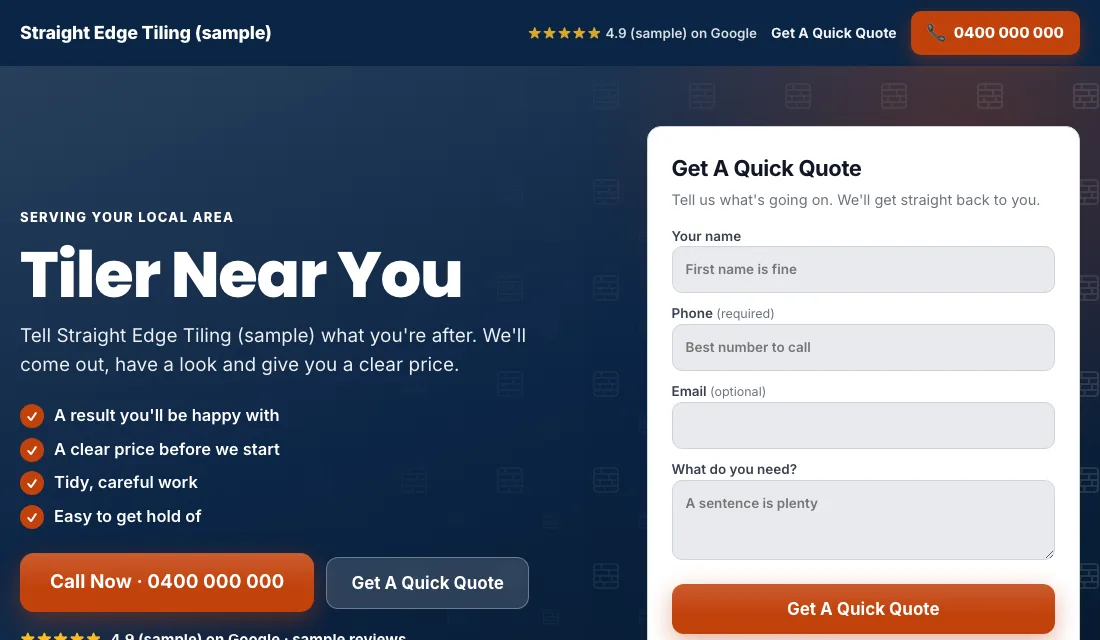
- The headline repeats the search. A "kitchen backsplash" ad lands on a backsplash page.
- Phone number at the top, one tap to call.
- A short quote form in view without scrolling: name, phone, the job, and rough size if they know it. Let them attach photos if your form allows.
- Photos of your own finished work for that job. Tiling is visual, and a straight grout line sells better than any sentence.
- Reviews near the top.
- No menu and nothing that links away.
- Quick on a phone.
Google scores the match between keyword, ad and page. A closer match earns a better score and a lower cost for each click.
Budget and bidding for a small tiling business
Take the leads you need each month and multiply by what you can pay for one. That is the budget. Commit to it for two months.
Bid in stages:
- Maximize Conversions first. With tracking working, Google aims for calls and forms. Let it run two or three weeks.
- If a new account stays quiet. With no history, Google sometimes barely spends. Switch to Maximize Clicks with a cap on the bid per click, and return to Maximize Conversions when leads start.
- A target cost per lead. At roughly 30 conversions in 30 days, you can set Target CPA, a target cost per lead. Put it 15 to 20 percent above your real cost per lead. Too tight and Google stops spending. Ease it down each month while leads keep coming.
A sole operator may never reach 30 leads a month, and that is fine. Stay on Maximize Conversions. Don't use manual bidding, and don't change settings after one quiet week.
How to run Google Ads for tilers in an hour a week
Weekly:
- Check search terms and block shoppers and DIY searches.
- Add searches that became jobs as exact match keywords.
- Mark each lead quoted, booked or junk.
- Call back anyone you missed while on the tools.
Monthly:
- Look at cost per lead and cost per booked job for each ad group.
- Pause an ad group that spends and never books.
- Test a call and a form.
- Add new photos to the pages.
- If you are booked out for weeks, lower the budget, don't switch it off.
Seasons and timing for tilers
Tiling follows the remodeling calendar.
- Start of the year: people plan bathrooms after the holidays. Searches for bathroom tilers pick up.
- Spring: the busiest remodel season. Have bathroom and floor ad groups fully funded.
- Warm months: patios and outdoor tiling.
- Before the holidays: people want the kitchen backsplash or guest bathroom finished before family arrives. Regrout searches rise too, because it is a quick freshen-up.
- Late December: quiet. Lower the budget and tidy the account.
Bathroom jobs are booked weeks ahead, so advertise before you need the work, not when the calendar is already empty.
Or let software do the tiling ads
That is how to run Google Ads for tilers on your own: count calls and forms, fix the three settings, give bathrooms, floors, backsplashes and regrouts an ad group each, block tile shoppers every week, and let bidding step up as leads grow. It works if you keep the weekly habit.
If your evenings are already full of quotes, Local Service Ads AI does these checks daily and asks before it changes anything, unless you tell it to go ahead. See Google Ads for tilers.