Count the quote requests first
Google's bidding looks for more of whatever it can count. If it can't see which clicks asked for a quote, it buys clicks from people comparing machines.
A conversion is the action you want from a click. Here, that is a phone call or a quote request.
- In Google Ads, open Goals, then Conversions, and create a new conversion action.
- Add one for calls from your ads and one for calls from your website. Set a minimum call length so wrong numbers aren't counted.
- Add one for your quote form, counted when it is sent.
- Mark these as primary, meaning bidding uses them. Mark the rest as secondary.
- Make a test call and send a test form. Check both show in Google Ads within a day.
Then keep a list of every lead. Was it a job you could quote? Did you book it? What was it worth? A full house wash with a roof and a caller asking where to rent a machine both count as "one call" to Google. Once volume is steady, upload the quoted and booked leads to Google Ads so bidding learns from the jobs.
Account settings for a pressure cleaning business
Three settings to fix before you write an ad.
- Search only. In campaign settings, open Networks. Untick Search Partners and untick the Display Network. Your ad should appear on Google Search for a search like "driveway cleaning near me".
- People who are in your area. Open Locations and add the zip codes or towns you work in. Then open Location options and select "Presence: people in or regularly in your included locations". The default also reaches people who only showed interest in the area.
- Auto-apply off. Open Recommendations, find Auto-apply and turn off every box. Otherwise Google can add keywords and change bidding without asking.
Keep the area tight enough that you can fit several jobs in a day. Travel between small jobs is where the profit goes.
Set the schedule to the hours you can answer or call back quickly. You are often holding a wand, so a short form matters as much as the phone number.
How to structure the campaign: one surface per ad group
An ad group is a set of keywords that share the same ads. Each surface is a different job at a different price, so each gets its own ad group and landing page.
| Ad group | Example searches | Landing page |
|---|---|---|
| Driveways and concrete | driveway cleaning service, concrete cleaning | Your driveway page |
| House washing | house washing service, exterior house cleaning | Your house wash page |
| Roof cleaning | roof cleaning service, roof moss removal | Your roof page |
| Decks and fences | deck cleaning service, fence cleaning | Your deck and fence page |
| Pavers and pool decks | paver cleaning and sealing, pool deck cleaning | Your paver page |
| Commercial | commercial pressure cleaning, parking lot cleaning | Your commercial page |
| General | pressure cleaning near me, pressure cleaning service | Your main page |
Build the ones you do. If you don't go on roofs or seal pavers, leave them out.
The common mistake is one ad group with every surface in it, sent to a home page gallery. A roof search then lands on driveway photos.
Keywords a homeowner with a stained driveway types
A keyword is the phrase you give Google. A search term is what the person typed. You pay for the search term.
In this trade, the service word decides everything. "Pressure cleaner" is a machine. "Pressure cleaning service" is a job. Ready-to-hire searches look like this:
- pressure cleaning near me
- pressure cleaning service
- driveway cleaning service
- house washing near me
- roof cleaning service
- deck cleaning near me
Add your town to a few. Keep each ad group to a short list.
Match types tell Google how loosely to match:
- Exact match shows your ad for that search or one with the same meaning.
- Phrase match shows your ad when the search includes the meaning of your phrase, with words around it.
- Broad match shows your ad for anything Google thinks is related. Here that means machines, parts and rentals. Leave it off.
Start with phrase and exact match. Each week, see which search terms became quotes and add them as exact match keywords in the right ad group.
Searches a pressure cleaner should block from day one
A negative keyword is a word you block. Add these at the account level before the ads start:
- Machine shoppers: for sale, buy, price of, psi, gpm, electric, gas, review, and the machine brand names.
- Parts and repairs: parts, hose, nozzle, pump, gun, repair, manual.
- Renters: rental, rent, hire a.
- DIY: how to, diy, tips, video, detergent, soap.
- Job seekers: jobs, hiring, salary.
- Business buyers and starters: business for sale, franchise, how to start, course, training.
- Car washes: car wash, self serve.
Check "repair" and "hire" against your own wording before you add them. If your ads say "hire a pro", keep "hire" off the list and block "rental" only.
Add each as a phrase match negative, cut down to the core word. "Rental" catches every rental search.
Then check the search terms. Every day or two for the first two weeks, then weekly:
- Open the search terms report under Insights and reports.
- Sort by cost, highest first.
- Ask of each search: is this someone who wants me to come and clean something?
- If not, block the core word. If it is a job you don't do, such as gutters or windows, block that too.
Ads that name the surface and the town
A responsive search ad takes up to 15 headlines and 4 descriptions. Google mixes them. Fill in as many as you can.
- Name the job: "Driveway Cleaning Service", "House Washing Near You".
- Name the place: your town or the neighborhoods you work.
- Say why you, if true: free quote from photos, insured, soft wash for roofs and siding, booked within the week.
- End each description with the next step: "Call or send photos for a free quote."
Each ad group gets its own ad about that surface. After a few weeks, add a second ad and let the two compete.
Then add the extras, called assets:
- Call asset: your number on the ad, tap to call.
- Sitelinks: at least four, such as "Driveways", "House Washing", "Get a Free Quote" and "Before and After".
- Callouts: short phrases such as "Fully Insured", "Free Quotes" and "Soft Wash Available", if true.
- Images: a half-cleaned driveway is the strongest picture you have. Add it.
The landing page: show the before and after
This is a visual job. The page should prove the result in one glance.
- The headline matches the search. A "roof cleaning service" ad lands on a page headed roof cleaning.
- Phone number at the top, tap to call.
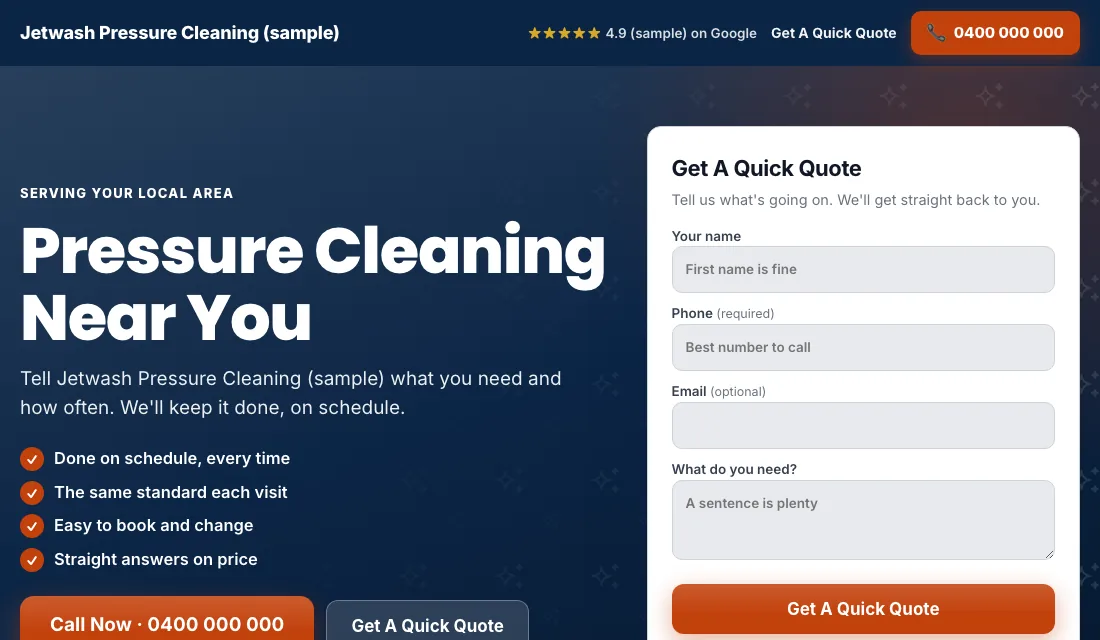
- A short quote form near the top: name, phone, address, what needs cleaning. Let people attach a photo if you can.
- Before and after photos of that surface. Roofs on the roof page, driveways on the driveway page.
- Reviews near the top.
- A line on how you protect plants, paint and windows.
- No menu and no links leading away.
- Fast on a phone.
Google scores how well keyword, ad and page match. A closer match earns a better score and cheaper clicks.
Budget and bidding for pressure cleaning
Set the budget from your own numbers. How many jobs a week do you want from ads? How many quotes does it take to book one? What can you pay for a quote request? Multiply through, and fund it for a couple of months.
Bidding moves in stages:
- Start on Maximize Conversions. Once tracking works, launch on this. Google bids toward calls and forms. Give it two or three weeks.
- If a new account won't spend. As a fallback, use Maximize Clicks with a cap on the bid per click. Return to Maximize Conversions when leads arrive.
- A target cost per lead. After about 30 conversions in 30 days, set a target, which Google calls Target CPA. Start it 15 to 20 percent above what a lead has been costing. Too tight a target makes Google stop spending. Lower it a little each month while leads hold.
Don't bid by hand, and don't change settings after a rainy week with few calls.
How to run Google Ads for pressure cleaning week by week
Every week:
- Check the search terms. Block machine, rental and DIY searches.
- Add searches that became quotes as exact match keywords.
- Mark each lead: quoted, booked or junk.
- Reply to form leads the same day. Sellers on a deadline book whoever answers first.
Every month:
- Compare cost per lead and cost per booked job across surfaces.
- Pause an ad group that spends and never books.
- Add new before and after photos.
- Test the phone number and the form.
- Review the budget and bidding stage.
Seasons: before the sale, before the visitors
- Spring: the main season. Winter grime, green siding and slippery paths. Start the ads a few weeks before the first warm weekend.
- Selling season: owners getting a house ready for photos want the driveway and siding done this month. They search with a job in mind and decide fast.
- Early summer: decks, patios and pool decks before outdoor entertaining.
- Fall: a last clean before winter, and roofs once the leaves are down.
- Before the winter holidays: families tidying up for visitors.
- Winter: slow in cold regions. Cut back or pause, and restart before spring.
Move the budget toward the surface that is in season. Decks in early summer, roofs in fall.
Or have software do all of this
That is how to run Google Ads for pressure cleaning by hand: count every quote request, lock the settings, give each surface its own ad group and page, block the machine shoppers weekly, and step the bidding up as the data grows. It works, and it takes time every week.
Local Service Ads AI does these steps every morning and asks before it changes anything unless you tell it to go ahead. See Google Ads for pressure cleaning.