Count bookings before you pay for a single click
Google's bidding works toward whatever you count. Count nothing and it finds cheap clicks, which for a salon are beauty school searches and people looking up how to cut their own bangs.
A conversion is the action you want after a click. For a salon, that is an online booking, a phone call or an inquiry form.
- In Google Ads, open Goals, then Conversions, and create a conversion action.
- If you use an online booking system, count a finished booking. Ask the booking system's support how to connect it to Google Ads. Most have a guide.
- Add calls from ads and from your website, with a minimum call length so a "what time do you close?" call isn't counted as a new client.
- Add your inquiry form for bridal and other quoted work.
- Mark these primary. Everything else is secondary.
- Make a test booking and a test call.
Then keep track of who came back. Mark new clients from the ads in your booking system, and note the service and whether they rebooked. With steady volume, you can upload real bookings to Google Ads so bidding learns from clients in chairs.
Settings that keep your ads local
- Search only. Under Networks, untick Search Partners and the Display Network.
- Your neighborhoods, presence only. Under Locations, add the zip codes your clients come from. Look at your client list if you're unsure. Under Location options, select "Presence: people in or regularly in your included locations". The default also reaches people far away who showed interest in your town.
- Auto-apply off. Under Recommendations, open Auto-apply and untick every box.
Ad schedule depends on booking. With online booking, run evenings and weekends, when people plan their hair. Without it, run the hours someone can answer the phone between clients.
How to structure a salon campaign
An ad group is a set of keywords sharing the same ads. Cuts, color, balayage and bridal hair are different bookings at different prices. One service per ad group, one page per ad group.
| Ad group | Example searches | Landing page |
|---|---|---|
| Salon, general | hair salon near me, hairdresser near me | Your main booking page |
| Hair color | hair color salon, hair colorist near me | Your color page |
| Balayage and highlights | balayage near me, balayage salon | Your balayage page |
| Bridal hair | bridal hair stylist, wedding hair | Your bridal page |
| Extensions or treatments | hair extensions salon, keratin treatment | A page for each, if you offer them |
A "balayage" search should see a balayage ad, not one for a men's cut.
Consider a separate campaign for bridal. It is seasonal and worth more per booking, and a separate campaign gives it its own budget that you can switch on when you want those bookings.
Build only for what you do. If you don't cut children's hair or do home visits, leave them out.
Keywords: what a client ready to book types
A keyword is the phrase you give Google. A search term is what was typed.
Ready-to-book searches:
- hair salon near me
- balayage near me
- hair colorist [your city]
- bridal hair stylist
- hair extensions salon
- hair salon open sunday
Use the words your clients use. Some say "hair salon", some say "hairdresser", some say "hair stylist". Include each in the general ad group.
Match types:
- Exact match shows your ad for that search or one meaning the same.
- Phrase match shows it when the search holds your phrase's meaning with extra words.
- Broad match shows it for anything related, which for hair means tutorials, products and schools. Leave it off.
Start with phrase and exact. Each week, add search terms that became bookings as exact match keywords.
The searches that won't fill a chair
A negative keyword blocks a search. Add these at the account level from day one:
- Students: school, course, cosmetology, license, classes, academy.
- Job seekers: jobs, hiring, salary, apprenticeship, booth rental, chair rental.
- DIY: how to, at home, diy, tutorial, video, box dye.
- Product shoppers: shampoo, products, dye, for sale, supplies, wig.
- Business buyers: salon for sale, salon chairs, equipment.
- Inspiration browsers: ideas, pictures, styles for, celebrity.
- Services you don't offer: mobile, barber, kids, or whatever applies.
- Other salons' names.
Add each as a phrase match negative, cut to the core word. "Cosmetology" blocks every school search containing it.
If you rent out chairs and want stylists to find you, that is a different campaign. Don't mix it with client ads.
Then check your search terms, daily for the first two weeks and weekly after:
- Open the search terms report under Insights and reports.
- Sort by cost.
- Ask: would this person book an appointment?
- If not, block the core word.
Writing ads for a salon
A responsive search ad takes up to 15 headlines and 4 descriptions.
- Name the service: "Balayage Specialists", "Bridal Hair and Trials".
- Name the place: your neighborhood or street.
- Give a reason: online booking, evening appointments, a free color consultation. Only true things.
- End with an action: "Book online in a minute."
One ad per ad group, written about that service. A few weeks in, add a second and let the two compete.
Add the extras, called assets:
- Sitelinks: four or more, such as "Book Online", "Price List", "Our Stylists" and "Color Gallery".
- Callouts: "Evening Appointments", "Free Consultation", "Online Booking".
- Call asset: your number for tap-to-call.
- Location asset: link your Google Business Profile so your address shows.
- Image assets: if available in your account, add photos of your real work. Hair is bought with the eyes.
The landing page: the service they searched, and a way to book
Each ad group gets its own page.
- The headline matches the search. A "bridal hair" click lands on a bridal page.
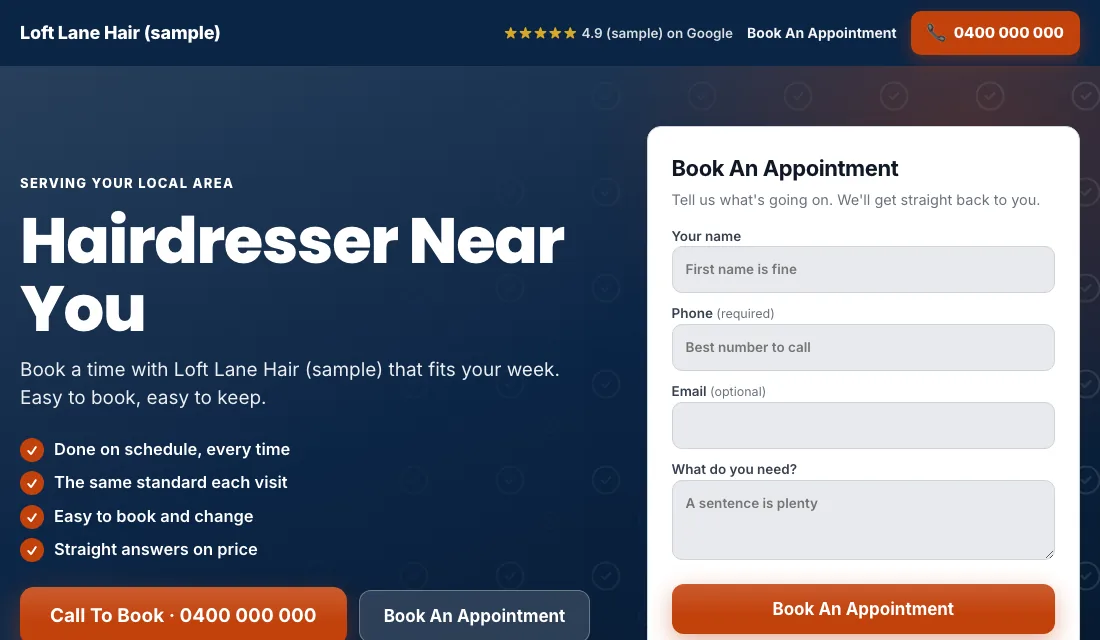
- A booking button or your booking widget without scrolling. For bridal, a short inquiry form with the wedding date.
- Phone number at the top, tap to call.
- Photos of your own work for that service. Before and after shots of color and balayage sell well.
- Real reviews from clients.
- Prices, or "from" prices. Hiding them sends people back to Google.
- Your address, parking and hours.
- No menu leading away.
- Fast on a phone.
Google scores the match between keyword, ad and page. A close match earns cheaper clicks.
Budget and bidding, in stages
Set the budget from what a new client is worth across a year, what you can pay to win one, and how many you need. Then:
- Maximize Conversions from the start. With bookings counted, Google bids toward bookings. Leave it two to three weeks.
- If a new account won't spend. Use Maximize Clicks with a cap on the bid per click, and return to Maximize Conversions when bookings come.
- Target cost per booking. After about 30 conversions in 30 days, set a Target CPA 15 to 20 percent above your recent cost per booking. Too tight and Google stops spending. Bring it down slowly each month while bookings hold.
No manual bidding. No changes based on a single week.
A weekly and monthly routine for the salon
Weekly:
- Check search terms and block junk.
- Add searches that became bookings as exact match keywords.
- Note which new clients rebooked.
- Look at next week's gaps and check your pages mention those days.
Monthly:
- Compare cost per booking by service. Color and balayage should carry the account.
- Pause a service that spends and doesn't book.
- Make a test booking to confirm tracking still works.
- Add new photos to each page.
- Review bidding stage and budget.
Seasons and timing: how to run Google Ads for hair salons through the year
- Spring and early summer: wedding season. Bridal trials are searched months ahead, so turn the bridal campaign on in late winter.
- Prom and graduation: updos and styling, for a few busy weeks.
- Before school goes back: cuts and fresh color.
- November and December: holiday parties fill the book. Advertise early in the month for the gaps, then ease off when you are full.
- January and February: quiet for many salons. A good time for a color offer to bring in new clients who will return all year.
Midweek is where ads earn their money. Aim your offers and wording at the days with space.
Or have software do the checking
That is how to run Google Ads for hair salons by hand: count bookings, stay local, give each service its own ads and page, block the students and DIY searches, and tighten bidding as bookings grow. It is an hour or so a week, usually on your day off.
Local Service Ads AI does those checks every morning and waits for your OK on each change, unless you tell it to go ahead. See Google Ads for hair salons.