Before you spend: track calls, forms and booked repairs
Google's bidding chases what it can measure. If it can't see which clicks became calls, it buys cheap clicks. In appliance repair, the cheap clicks are parts shoppers and people watching repair videos.
A conversion is the action you want after a click. For you, that is a phone call or a booking form.
- In Google Ads, open Goals, then Conversions, and create a new conversion action.
- Add one for calls from your ads and one for calls from your website. Set a minimum call length, so a quick "do you sell parts?" call doesn't count as a lead.
- Add one for your booking form, counted when the form is sent.
- Mark those primary, which means bidding uses them. Mark everything else secondary.
- Make a test call and send a test form. Check both show in Google Ads within a day.
Next, keep a list of every lead and mark each one: could you quote it, did you book it, what did the job bring in? Note the appliance too. After a couple of months you will know whether refrigerators or dryers pay better, and you can upload the booked leads so Google learns from real repairs.
Account settings that stop waste
Set these three before you write an ad.
- Search only. In campaign settings, open Networks. Untick Search Partners and untick the Display Network. Your ad belongs on Google Search, in front of "dishwasher repair near me".
- People in your area. Open Locations and add the cities or zip codes you drive to. In Location options, choose "Presence: people in or regularly in your included locations". The default also shows your ad to people who are only interested in your area.
- Auto-apply off. Open Recommendations, find Auto-apply, and switch every box off. Left on, Google can add loose keywords and change your bidding.
Keep the service area honest. A repair an hour away, with a return trip when the part arrives, can cost you more than it earns. Start with the zip codes close to you.
Set the ad schedule to the hours you answer the phone. A dead refrigerator is urgent, and a caller who gets voicemail tries the next number.
How to run Google Ads for appliance repair with one ad group per appliance
An ad group is a set of keywords that share the same ads. In this trade the rule is simple: one appliance per ad group, one landing page per ad group.
| Ad group | Example searches | Landing page |
|---|---|---|
| Washer repair | washer repair near me, washing machine won't spin repair | Your washer page |
| Dryer repair | dryer repair, dryer not heating repair service | Your dryer page |
| Refrigerator repair | refrigerator repair near me, fridge not cooling repair | Your refrigerator page |
| Dishwasher repair | dishwasher repair, dishwasher not draining repair | Your dishwasher page |
| Oven and range repair | oven repair near me, stove repair service | Your oven page |
You can go further and give each appliance its own campaign with its own budget. That way a busy week of dryer searches can't use up the money meant for refrigerators.
Only build ad groups for appliances you fix. If you don't touch microwaves, coffee machines or commercial kitchen equipment, leave them out and block them.
Keywords: what a customer with a broken appliance types
A keyword is the phrase you give Google. A search term is what the person typed. You pay for the search term, so it matters how closely they match.
Ready-to-book searches name the appliance and the word repair, and often the place:
- appliance repair near me
- washer repair near me
- refrigerator repair service
- same day dryer repair
- oven repair in your city
Fault searches are mixed. "Dishwasher not draining" might be a customer or a DIY-er. Adding "repair" or "service" to the keyword leans it toward customers.
Match types set how loosely Google matches:
- Exact match shows your ad for that search or one with the same meaning.
- Phrase match shows your ad when the search includes the meaning of your phrase, with other words around it.
- Broad match shows your ad for anything Google thinks is related, which here means parts and how-to videos. Leave it for now.
Start with phrase and exact. Each week, add the search terms that became booked repairs as exact match keywords in the right ad group.
Searches to block from day one
A negative keyword is a search you block. Appliance repair draws three kinds of click that never book: parts buyers, replacement shoppers and people fixing it themselves. Add these as account-level negatives before the first click:
- Parts buyers: parts, part number, kit, element, belt, seal, manual, diagram.
- Replacement shoppers: for sale, buy, new, price, deals, used, review.
- DIY: how to, diy, video, troubleshooting, reset, error code.
- Job seekers and students: jobs, hiring, salary, technician training, course, certification.
- Makers' helplines: warranty, customer service, recall.
- Appliances you don't fix: add each one, such as microwave or vacuum.
Add each as a phrase match negative, trimmed to the core word. Block "parts", not "whirlpool dryer parts near me".
A caution on "error code": some people type the code and then call a repairer. If you would rather keep them, leave it off the list and watch what those clicks do.
Then check the search terms. Every day or two for the first two weeks, then weekly:
- Open the search terms report under Insights and reports.
- Sort by cost, highest first.
- Ask: would I want that call?
- If not, block the core word.
Writing the ads
A responsive search ad takes up to 15 headlines and 4 descriptions. Google mixes them. Fill in as many as you can.
- Name the appliance and the job: "Washer Repair Today", "Refrigerator Not Cooling?"
- Name the area: your city, or "Near You".
- Give a reason to call: same-day visits, a warranty on the repair, the brands you service, upfront pricing. Only what is true.
- End each description with the next step: "Call now to book a repair."
Speak to the repair-or-replace question. A line such as "Often fixed for far less than a new one" is fair if it is true for your work. Don't quote prices you can't hold to.
Add the extras, which Google calls assets:
- Call asset: your phone number on the ad for tap-to-call.
- Sitelinks: at least four, such as "Washer Repair", "Refrigerator Repair", "Book a Visit" and "Reviews".
- Callouts: short phrases such as "Same-Day Service", "Repair Warranty" or "Most Brands Serviced".
The landing page: one appliance per page
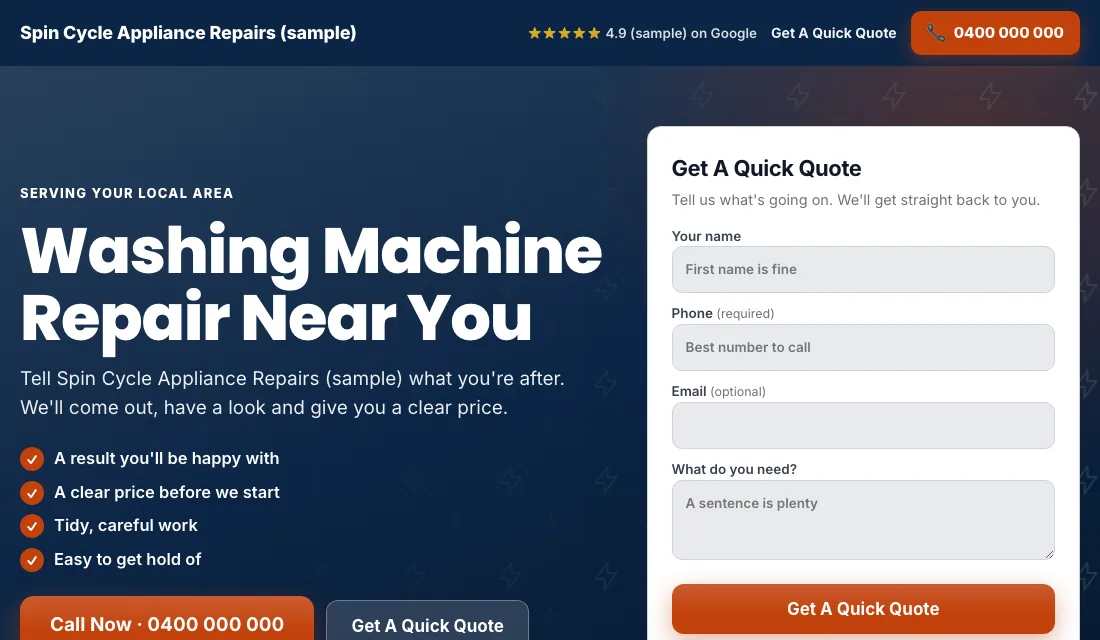
A click on an oven ad should arrive on an oven page. Build one page per ad group and check each:
- The headline matches the search: "Oven Repair in" your city.
- The phone number is at the top and starts a call when tapped.
- A short form shows without scrolling: name, phone, zip code, the appliance, the brand, and what it is doing. Those last two fields help you bring the right part on the first visit.
- The brands you service, listed plainly.
- A real photo of you and your van.
- Real reviews near the top.
- How it works: the visit, the quote, the fix, and your warranty.
- No menu and no links away.
- It loads fast on a phone.
Google scores how well keyword, ad and page match. A closer match earns a higher score, and that lowers what you pay for the same position.
Budget and bidding, stage by stage
Start from your own numbers. How many repairs do you want from ads each month, how many leads does that take, and what can you pay for a lead and still profit on an average repair? Multiply it out. If the budget is small, start with the two appliances that pay you most.
- Conversions from the start. With tracking working, start on Maximize Conversions, so Google bids toward calls and forms. Give it two or three weeks.
- If a new account won't spend. With no history, a new account can stall. Switch to Maximize Clicks with a cap on the bid per click. Go back to Maximize Conversions once leads are arriving.
- A target cost per lead. After about 30 conversions in 30 days, set a target cost per lead, which Google calls Target CPA. Start 15 to 20 percent above what leads have cost you. A target that is too low makes Google stop showing your ads. Tighten it a little each month.
Don't bid by hand, and don't change bids or budgets on a week of data.
The weekly and monthly appliance repair checklist
Every week:
- Check the search terms. Block parts, shoppers and DIY.
- Add searches that became repairs as exact match keywords.
- Mark every lead: quoted, booked or junk, with the appliance.
- Return missed calls fast. A family with a warm fridge books whoever answers.
Every month:
- Compare cost per lead and cost per booked repair for each appliance.
- Pause an ad group that spends and never books, or fix its page.
- Make a test call and send a test form to confirm tracking works.
- Check each page loads and the number is right.
- Review your bidding stage and budget.
Seasons and timing for appliance repair
Appliance repair runs all year, but the mix changes.
- Cold months: dryers work hardest, and dryer repair searches rise.
- Heat waves: refrigerators and freezers fail under load. Put more budget on that ad group when a hot spell is forecast.
- The weeks before big holidays: ovens and ranges. Nobody wants to find out the oven won't heat the day before guests arrive.
- Holiday weeks: dishwashers, with a full house and three loads a day.
Most repair searches happen in the daytime and early evening. If you offer same-day visits, morning is when to be most visible, because the customer can still be booked that day.
Or have software do all of this
That is how to run Google Ads for appliance repair by hand: track every lead, lock the settings, give each appliance its own ad group and page, block the parts and DIY searches every week, and step up your bidding as the data grows. It works, and it takes time every week.
If you'd rather spend that time on repairs, Local Service Ads AI does these steps for you every day. Nothing changes without your OK unless you tell it to go ahead. See Google Ads for appliance repair.