Step zero: get verified by Google
Locksmiths have one extra step that most trades don't. In the United States and Canada, Google asks locksmiths to pass its advanced verification before their ads can run. You apply from inside your Google Ads account, and Google checks that the business is real.
Start this before anything else. You can build the campaign while you wait, but the ads will not show until it is approved. If you work somewhere else, check whether Google asks the same in your country.
Count every call before the first click
Locksmith leads are almost all phone calls. If Google can't see which clicks became calls, its bidding has nothing to aim at.
A conversion is the action you want from a click. For a locksmith that is a call, and sometimes a quote form for bigger jobs.
- In Google Ads, open Goals, then Conversions, and create a new conversion action.
- Add one for calls from your ads and one for calls from your website. Set a minimum call length, so misdials and hang-ups are left out.
- Add one for your quote form, counted when it is sent. Rekeys for a whole building and access control jobs often come this way.
- Mark these as primary. That means bidding uses them. Mark everything else as secondary.
- Call the number on your ad from another phone, and send a test form. Check both show in Google Ads within a day.
Then keep a list of every call and what it was. A lockout you attended, a rekey you quoted, a price shopper, a wrong number. Mark each one as quoted, booked or junk. When you have steady volume, you can upload the quoted and booked ones to Google Ads so bidding learns from the calls that paid.
Settings that keep you inside your driving radius
Three settings decide whether your money stays local.
- Search only. In campaign settings, open Networks. Untick Search Partners and untick the Display Network. A person locked out is typing into Google Search. That is the only place your ad needs to be.
- People who are in your area. Open Locations and add the cities or zip codes you can reach quickly. Then open Location options and choose "Presence: people in or regularly in your included locations". The default also shows your ad to people who are only interested in your area.
- Auto-apply off. Open Recommendations, find Auto-apply and turn off every box. Left on, Google can add keywords and change bidding by itself.
Be honest about your radius. Someone standing outside their door will call the next locksmith if you say forty minutes. A smaller area you can reach fast beats a big one you can't.
Lockouts, rekeys and car keys: one ad group each
An ad group is a set of keywords that share the same ads. Give each service its own ad group and its own landing page. A locksmith's services are different customers at different hours, so this matters more than usual.
| Ad group | Example searches | Landing page | When to run |
|---|---|---|---|
| House lockouts | locked out of house, emergency locksmith | Your lockout page | All hours, if you answer |
| Car lockouts | car lockout service, locked keys in car | Your car lockout page | All hours, if you answer |
| Rekeying | rekey locks, rekey house locks | Your rekey page | Daytime |
| Lock changes | lock replacement, change locks | Your lock change page | Daytime |
| Car keys | car key replacement, key fob programming | Your car key page | Daytime |
| Commercial | commercial locksmith, office lock change | Your commercial page | Business hours |
To give lockouts a different schedule from rekeys, put the emergency ad groups in their own campaign. A campaign has one schedule and one budget, so splitting them lets lockouts run all night while planned work runs in the daytime.
Skip any service you don't offer. If you don't cut car keys or open safes, don't build those ad groups.
Keywords someone locked out really types
A keyword is the phrase you ask Google to match. A search term is what the person typed. You pay for the search term, so the two need to stay close.
Ready-to-hire locksmith searches name the problem or the service:
- locksmith near me
- emergency locksmith
- locked out of house
- car lockout service
- rekey locks
- car key replacement near me
Add your city to a few. Keep each ad group to a handful of close phrases.
Match types tell Google how far it may stretch:
- Exact match shows your ad for that search or one that means the same.
- Phrase match shows your ad when the search includes the meaning of your phrase, with words around it.
- Broad match shows your ad for anything Google thinks is related. Leave it off.
Begin with phrase and exact match. Each week, look at which search terms became paid jobs and add those as exact match keywords in the right ad group.
Searches a locksmith should block from day one
A negative keyword is a search you block. Locksmith ads attract a crowd that will never call. Add these as account-level negatives before you go live:
- Hobbyists: lock picking, pick set, lock pick, how to pick.
- Tool and parts shoppers: key programmer, key blank, for sale, wholesale, supplies.
- Job seekers: jobs, hiring, salary, apprenticeship.
- Students: course, school, training, license, certification.
- DIY: how to, diy, video.
- Other locksmiths' names.
Add each as a phrase match negative, cut to its core word. Block "apprenticeship", not "locksmith apprenticeship near me".
Then check the search terms. Every day or two in the first two weeks, weekly after that:
- Open the search terms report under Insights and reports.
- Sort by cost, highest first.
- For each search, ask: would I drive out for that call?
- If not, block the core word. If it is a service you don't do, such as safes or garage doors, block that too.
Writing locksmith ads that get the call
A responsive search ad takes up to 15 headlines and 4 descriptions, and Google mixes them. Fill in as many as you can.
- Say the job: "Locked Out? Call Now", "Rekey Your Locks Today".
- Say the area: your city, or "Near You".
- Say what settles a nervous caller, if it is true: licensed and insured, price given before work starts, a real local business.
- End every description with the next step: "Call now. We answer."
Don't promise an arrival time you can't keep. A caller who waits twice as long as the ad said will remember it in the review.
Each ad group gets its own ad about that one service. After a few weeks, add a second ad and let them compete.
Then add the extras, called assets:
- Call asset: the most important one for a locksmith. Your number on the ad, so a phone user taps and calls without visiting a page.
- Sitelinks: at least four, such as "Lockouts", "Rekeying", "Car Keys" and "Reviews".
- Callouts: short phrases such as "Licensed and Insured", "Upfront Pricing" and "Locally Owned".
A landing page for every lock job
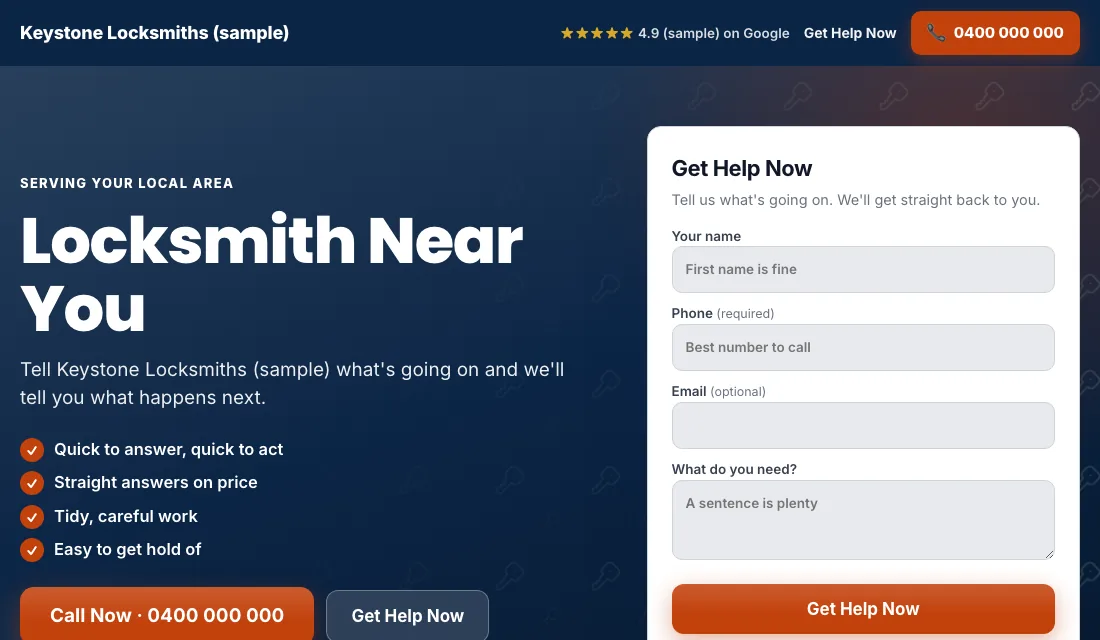
Many lockout customers call straight from the ad. The rest click through to check you are a real business, because this trade has a reputation for fake listings. The page has to answer that fast.
- The headline matches the search. A "rekey locks" ad lands on a page that says rekey locks at the top.
- Your phone number is at the top, and tapping it starts a call.
- Your business name, the area you serve and your license number if your state issues one.
- Real photos: you, your van, your work. Stock photos of keys look like the fake listings.
- Reviews near the top.
- A short form for jobs that are not urgent: name, phone, what they need.
- No menu and no links away from the page.
- It loads fast on a phone, since nearly every lockout search comes from one.
Google scores how well keyword, ad and page match. A closer match means a higher score and a lower price for the same spot.
Budget and bidding for a locksmith account
Set the budget from your own numbers. How many calls do you want each month, and what can you afford to pay for one? Multiply them, and fund it for a couple of months.
Bidding then moves through stages:
- Maximize Conversions from day one. With call tracking working, start here. Google bids toward calls, not just clicks. Give it two or three weeks.
- If a new account won't spend. A brand-new account sometimes lacks the history to get going. Use Maximize Clicks with a cap on the bid per click as a fallback, then return to Maximize Conversions once calls arrive.
- A target cost per lead. After about 30 conversions in 30 days, you can set a target, which Google calls Target CPA. Set it 15 to 20 percent above what a call has been costing. A target that is too low makes Google stop spending. Lower it a little each month if calls hold.
Never set bids by hand, and don't react to one slow week.
How to run Google Ads for locksmiths: the weekly and monthly routine
Every week:
- Check search terms and block the hobbyists, shoppers and job seekers.
- Add searches that became jobs as exact match keywords.
- Mark each call in your list: quoted, booked or junk.
- Look at missed calls. A missed lockout call is gone within a minute.
Every month:
- Compare cost per call and cost per booked job for each ad group.
- Pause an ad group that spends and never books.
- Check what hours the calls came in, and adjust the schedule.
- Call your own ad number to confirm tracking still works.
- Review the budget and the bidding stage.
When locksmith calls come in
Locksmith demand follows the clock and the calendar.
- Nights and weekends: lockouts peak when people come home late or go out. Run the emergency campaign then only if someone will answer.
- Cold weather: frozen car locks, and people who can't wait outside for long.
- Summer and month ends: moving season. New owners and landlords want locks rekeyed between tenants.
- Holidays: travel brings lost keys and car lockouts.
- After a local break-in: neighbors search for lock upgrades.
Put more of the budget into rekeys and lock changes in moving season, and keep the lockout campaign steady all year.
Or have software do all of this
That is how to run Google Ads for locksmiths by hand: get verified, count every call, keep the ads inside your radius, split lockouts from planned work, block the junk weekly, and step the bidding up as data grows. It works, and it needs attention every week.
If you would rather be on the road, Local Service Ads AI handles these steps each morning and asks you about every change. The verification is still yours to do inside Google Ads. See Google Ads for locksmiths.